

What you will build
A running Harly installation with PostgreSQL, the scheduler, HTTPS via Caddy, and an owner workspace. The installer keeps the application on port3000
behind the proxy you select.
Requirements
See self-hosting overview for full sizing, DNS, and
firewall setup before you install.
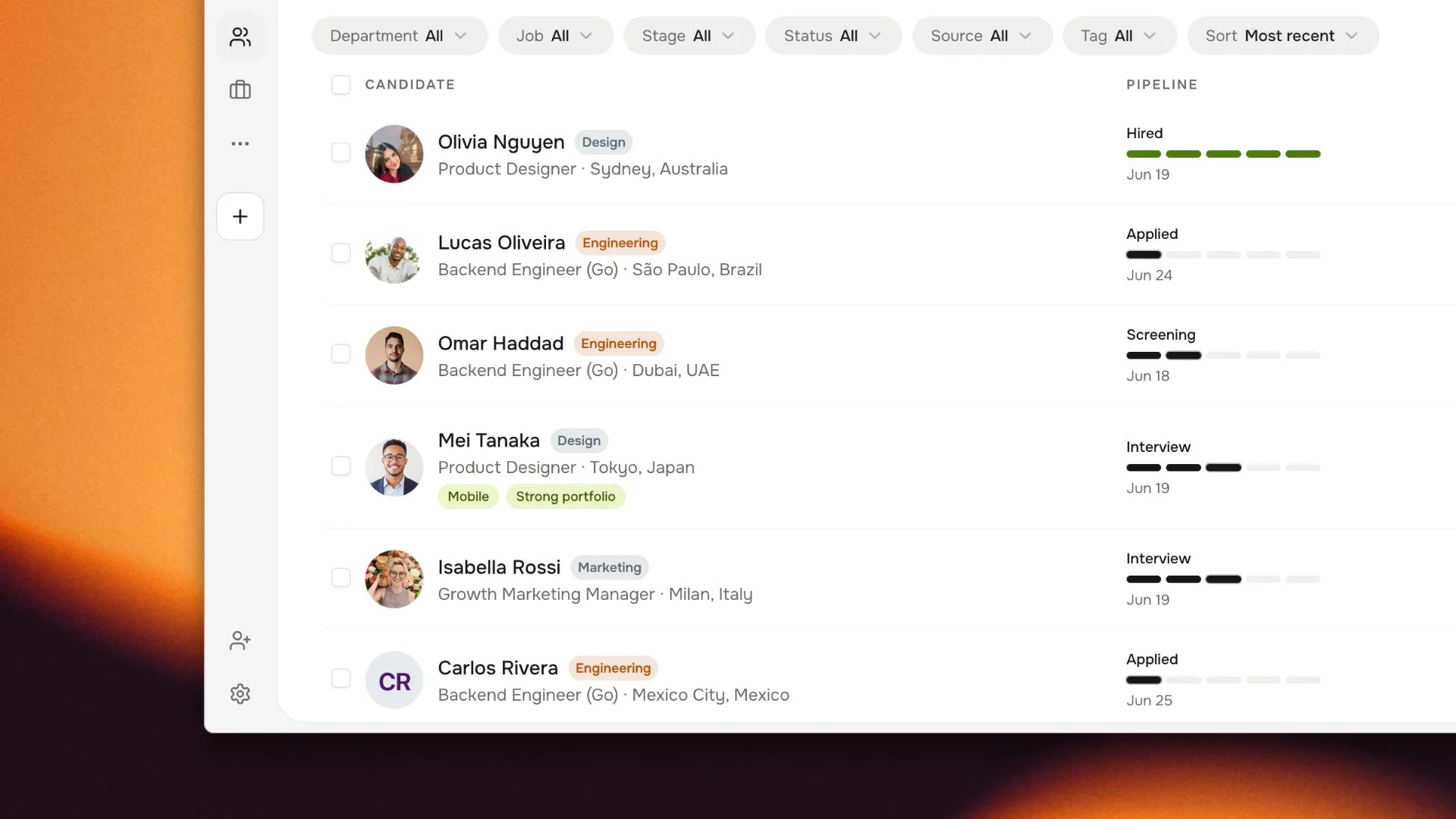
Harly after installation: a candidate pipeline using synthetic demo data.
1
Point DNS at your VPS
Create an Add an
A record for your domain or subdomain pointing at the VPS
public IPv4 address:AAAA record only if IPv6 is configured and reachable. Caddy cannot
issue a certificate until the hostname resolves to this server.Do not continue until
dig returns the correct IP. Caddy will fail the
TLS challenge if DNS has not propagated.2
Open required firewall ports
Allow inbound TCP
80 and TCP 443 in your VPS firewall or cloud security
group. Also allow UDP 443 if you want HTTP/3.No other service or Docker container may already publish port 80 or 443.
If another proxy owns those ports, use external proxy mode
instead.3
Run the installer
From any directory on the VPS:The guided installer:
- Checks Node, Docker, Compose, free disk, and RAM before asking for configuration.
- Asks for the public URL (
https://careers.example.com) and checks its DNS and required ports. - Asks for the first owner email.
- Generates all secrets and writes
.envwith mode0600. - Pulls the Harly image from the registry.
- Runs database migrations.
- Starts the app, scheduler, and Caddy.
- Waits for the readiness endpoint to return
200.
4
Create the first owner account
Visit
https://careers.example.com/setup and enter the setup secret
(HARLY_SETUP_SECRET) when prompted. Create the account with the email
matching HARLY_INITIAL_ADMIN_EMAIL./setup is available exactly once. After the owner account is created,
the route becomes unavailable and registration is invite-only.Verify the installation
Run these from the installation directory:
If the page loads but
/api/health/ready fails, see
troubleshooting before inviting the team.
Common install errors
Caddy will not obtain a certificate
Symptom: installer ordoctor reports a stuck TLS challenge.
Cause: DNS has not propagated, or another process holds port 80 or 443.
Fix:
Installer reports insufficient memory
Symptom: preflight warns about RAM. Cause: less than 2 GB RAM without swap. Fix: enable 1 GB swap so the installer selects thecompact profile, or
force it explicitly in .env:
Readiness endpoint returns 503
Symptom:curl /api/health/ready returns 503.
Cause: database unavailable or migration incomplete.
Fix:
postgres is Up (healthy) before the app starts.
Setup page not available
Symptom: visiting/setup returns 404 or “not found”.
Cause: owner account was already claimed, or the route is disabled.
Fix: sign in with the owner email you configured, or check
HARLY_SETUP_SECRET in .env.
Re-running the installer
Run from the installation directory at any time to open the management menu:init preserves .env and secrets. Modified templates are
preserved unless --force is supplied; --force still never rotates .env.
Next steps
First workspace
Configure the team, pipeline, roles, and first job.
Proxy modes
Use Caddy, an external proxy, or local-only.
Configuration
Required secrets, storage, email, and integrations.
Operations
Health checks, scheduler, backups, and upgrades.