

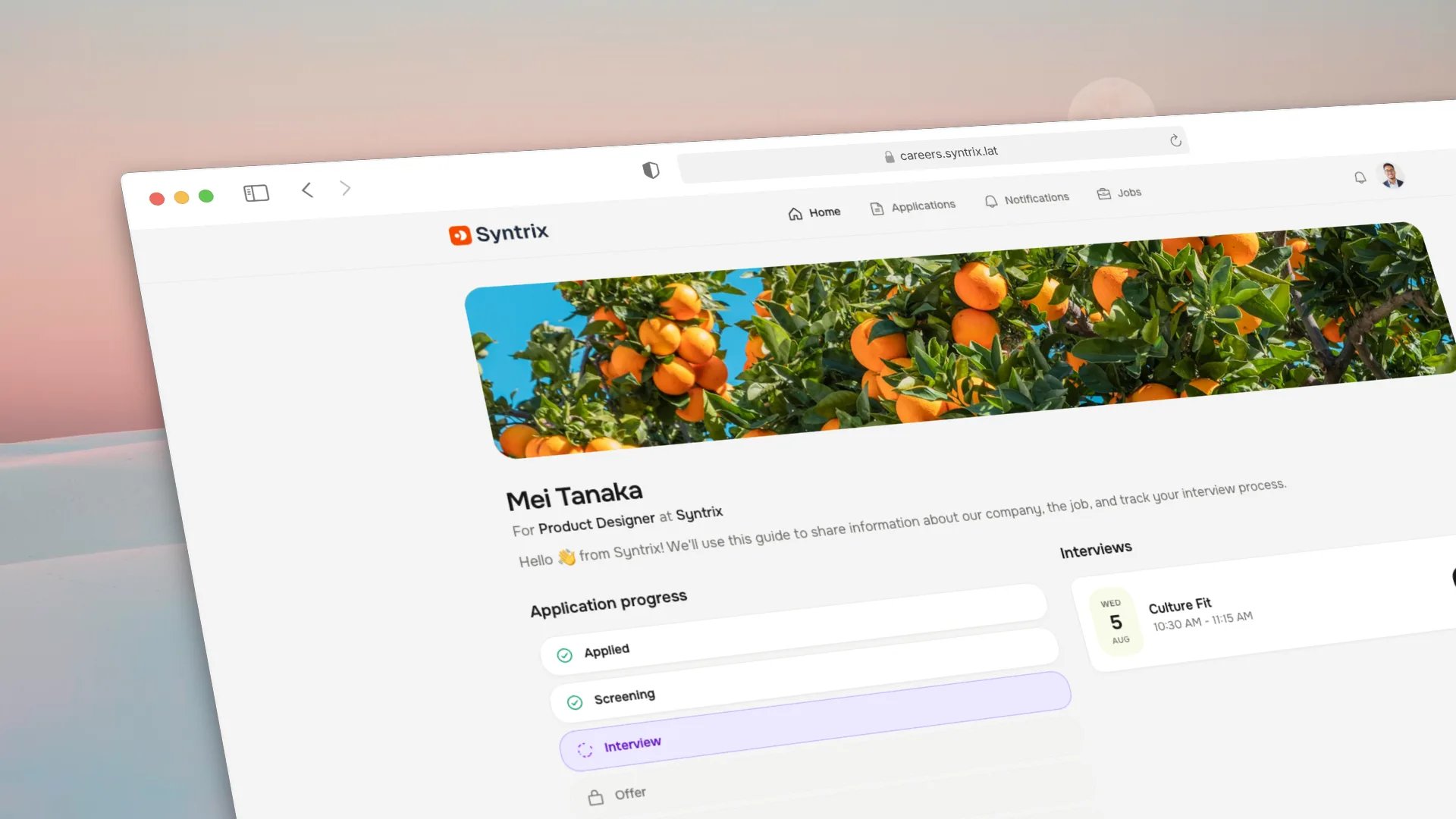
Candidate portal application progress and interview details.
Enable the portal
1
Open portal settings
Go to Settings → Candidate portal and toggle Enable portal on.
2
Choose sign-in methods
Select which methods candidates can use to authenticate:
At least one method must be enabled. Magic link works without OAuth setup.
3
Test the experience
Submit a test application from the career page, then open the portal at
https://hiring.example.com/portal and sign in with the test email address.
Confirm you can see the application and its status.Portal sessions are issued to the candidate, not to a workspace member. A
candidate only ever sees their own applications, documents, and data. Internal
notes, scorecards, and other candidates are never exposed.
What candidates can do
Privacy controls for candidates
The portal exposes the privacy controls you have configured in Settings → Legal. Candidates can request a copy of their data or request deletion. Your team receives these requests and must process them according to your privacy policy. See privacy for the operational workflow.OAuth provider setup
Candidates sign in through the portal’s own auth endpoints, separate from workspace member auth. Register the portal-specific callbacks in each provider.- Follow the Google Calendar OAuth setup to create or reuse an OAuth client.
-
Add the portal redirect URI to the allowed callbacks in Google Cloud Console:
-
The same
GOOGLE_CLIENT_IDandGOOGLE_CLIENT_SECRETused for calendar sync also enables Google sign-in for the portal.
GitHub
- Create a GitHub OAuth app at github.com/settings/developers.
-
Set the authorization callback URL to:
-
Add the credentials to the server environment and restart Harly:
- Create a LinkedIn OAuth app at the LinkedIn Developer portal.
-
Set the authorized redirect URL to:
-
Add the credentials to the server environment and restart Harly:
Common issues
Next steps
Documents
Request files candidates upload in the portal.
Privacy
Configure retention, export, and deletion workflows.
Set up the sender identity for magic link emails.
Career page
The public job board candidates apply from.