

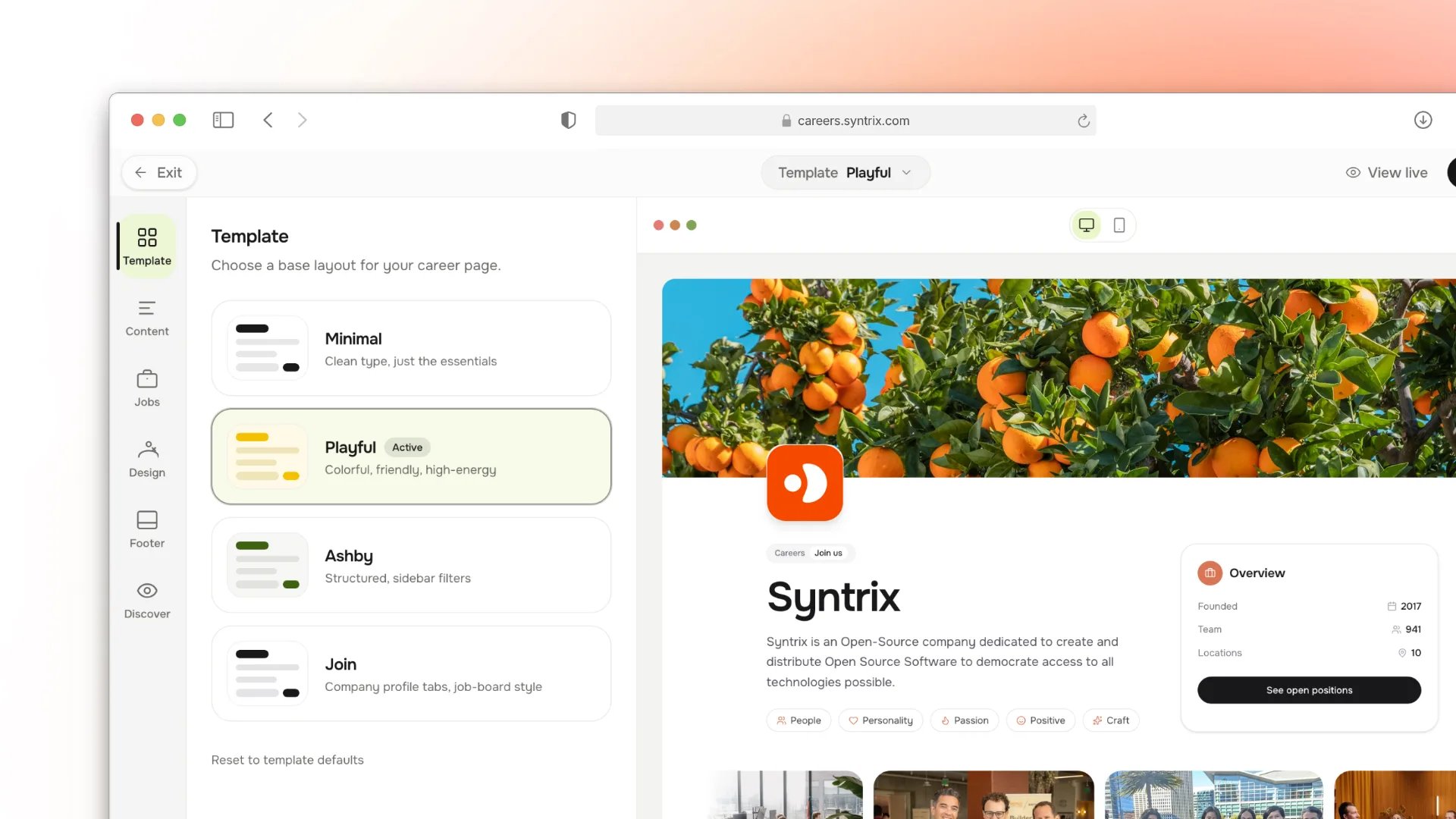
Career Page Builder with templates, content, and a live preview.
What appears
Only published jobs show on the career page. Drafts, closed, and archived jobs stay off it. Each listing shows the title, department, location, and the description you wrote on the job.Branding
Set the workspace name, logo, and public origin in Settings → Workspace. The career page uses these automatically.- Logo and name — shown in the header of the board and each listing.
- Public origin — the domain candidates see and the base for application
links. Must match
HARLY_URLso email links and the candidate portal use the same origin.
Applying
A candidate opens a listing, fills the application form you built, and submits. Each submission becomes an application in the job’s first pipeline stage, ready to work in the pipeline.Test the candidate experience
Before announcing the career page to candidates, submit a test application:1
Open in a private window
Navigate to
https://hiring.example.com/careers in a private browser window
to see it as a candidate would.2
Submit a test application
Choose a published job and submit using a test email address. Fill all
required fields with representative data.
3
Verify the confirmation email
Check the test inbox for the acknowledgement email. Confirm the sender name,
domain, and link are correct.
4
Check the pipeline
Open Jobs → [Job name] → Pipeline and confirm the test application
landed in the first stage.
Common issues
Next steps
Jobs
Publish the roles the career page lists.
Candidate portal
Let applicants track their applications after applying.
Configure the sender identity for confirmation emails.
Candidates and pipeline
Work the applications the career page collects.